chaver | 8 years ago | 2 comments | 1.5K views
I find it difficult to solve when i get the message " Can not be saved because all curves is not closed" Is there a tutorial about that?


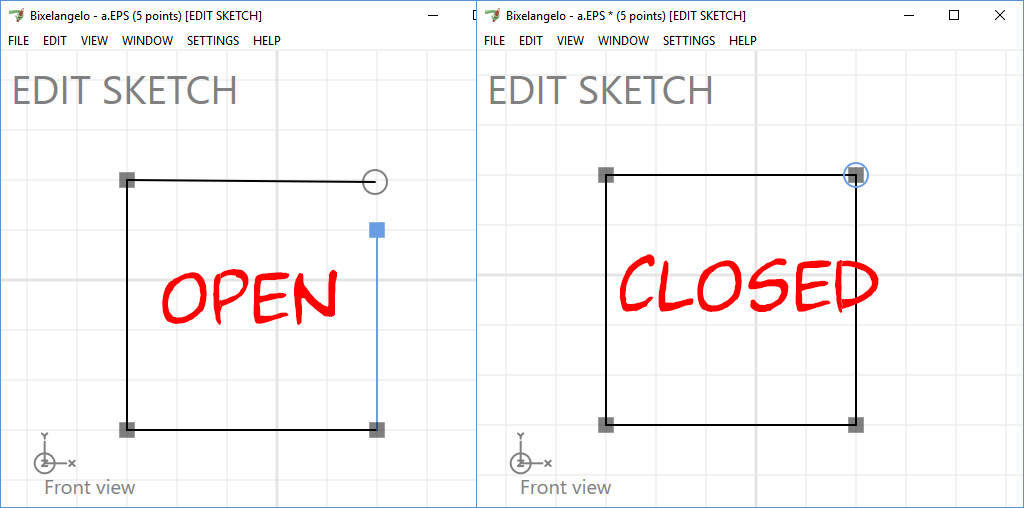
Only solid shapes have to be closed.
To close a shape, left click with your mouse on the last point and drop it onto the first point.
For non-solid shapes, like handwritten texts, unmark the SOLID checkbox in the FILE > SAVE AS... dialog.

michiel, 8 years ago