Filip | 2 years ago | 10 comments | 6 likes | 718 views
liuyongcai, Decentralized, songbaojin and 3 others like this!
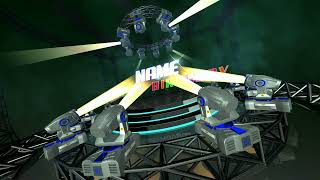
I used different techniques to make this Happy Halloween message.
I used the robotic arm mk moving head for the beams.
It would be nice to add a beam to a 3d object layer or text layer and target it to another.




Cool effect when the eyes rotate!
About your suggestion, I would attach a model of an eye to a robotic arm layer using a moving head model from BixPack 44.
Set the robotic arm layer to INVERSE KINEMATICS and use the TARGET LAYER to make it automatically follow another layer.
The moving head can be made invisible by making the eye bigger.
Set the DEPTH BIAS prop of the moving head to a low value to make sure the beam is rendered in front of the model.

michiel, 2 years ago

Thnx all, Michiel nice solution.
Filip, 2 years ago



Thnx Decentralized, LB, Pat67
Filip, 2 years ago

Thnx Ulli
Filip, 2 years ago