Sus | a year ago | 7 comments | 5 likes | 646 views
Tintin, bambamD, irina1208 and 2 others like this!
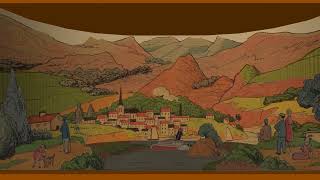
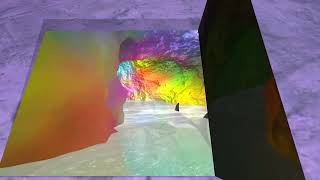
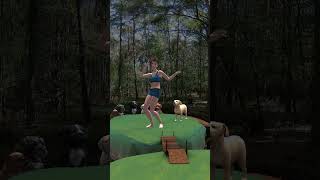
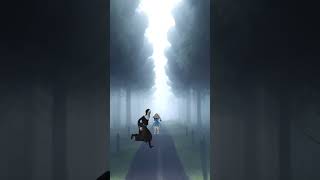
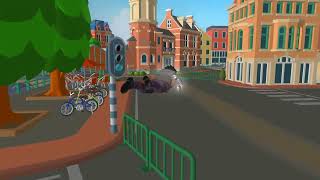
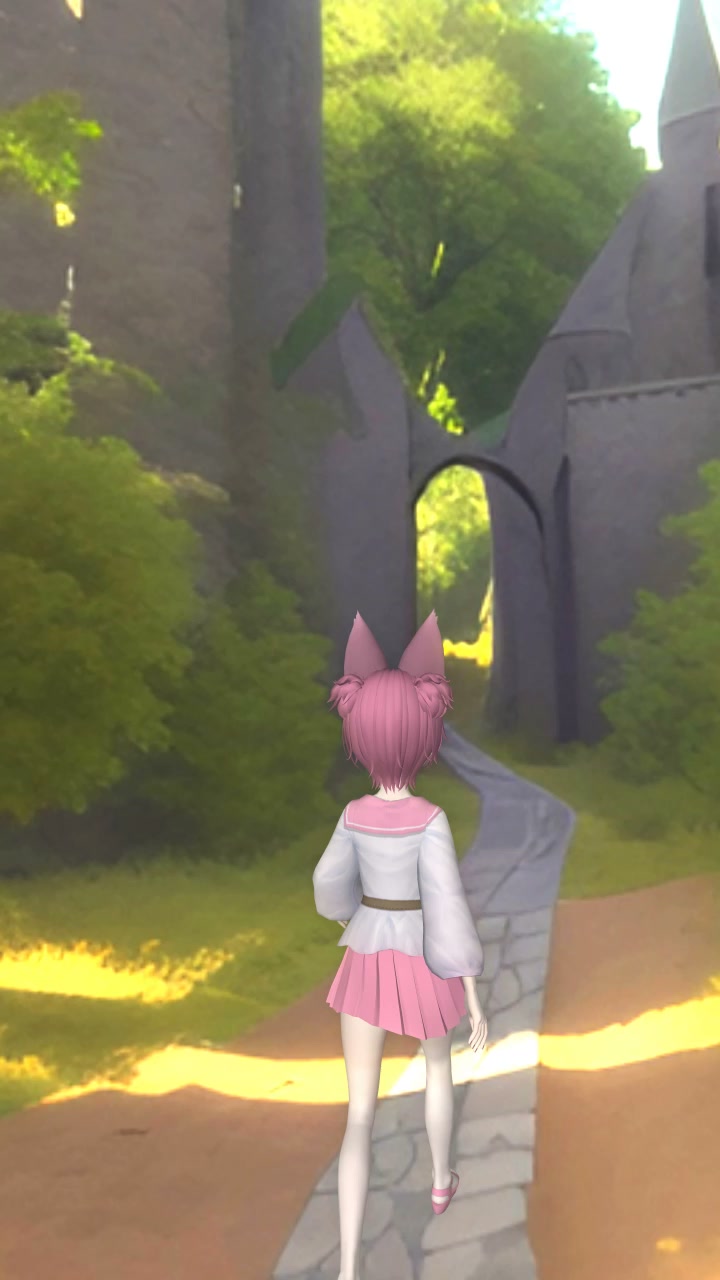
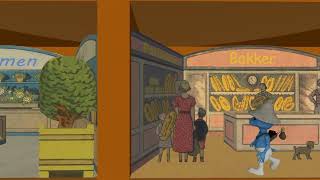
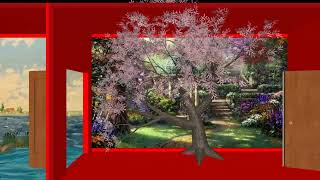
Using an overlay to position the camera.


Great model that offers lots of possibilities!
Have you tried drawing the path in Bixelangelo? That could be an alternative to keyframing. The tunnels could also be handled this way ( move up and down)

michiel, a year ago
Scene is one of the many excellent
Mario Kart 8 Deluxe
models in Scetchfab.
Sus, a year ago
When you add the Sketchfab link I'd be happy to show you how to use Bixelangelo to make the path.
michiel, a year ago
Thanks for the offer.
I tried it myself and it works fine.
Main difference is the possibility to change individual positions when using an overlay.
Url:
shorturl.at...
Sus, a year ago

Thanks for the model link!
Some observations:
A skybox layer is an easy way to fix the background.
Adding fog (use the FOG props of the camera layer) can help adding depth. In the screenshot the FOG COLOUR prop is set to (255, 255, 255).
The scale of the model is huge. Because BluffTitler scales all models to the same size it's best to set the SIZE prop to a high value. Something like (10, 10, 10). This removes the front plane clipping artifacts and also makes it easier to add smaller models like karts and bikes.
When using shadows you also have to take the huge size of the model into account: set the SHADOW MAP BIAS prop of the light layer to a lower value. Something like (0.001, 0.1). This way small details also generate shadows.
Looking forward to see what you all can do with this model!
michiel, a year ago
you can use bezierspline on camera, will look Beter and smooth! But excellent workout.

bambamD, a year ago