nonnogio | 5 months ago | 8 comments | 6 likes | 429 views
Ilja, liuyongcai, sinus300 and 3 others like this!
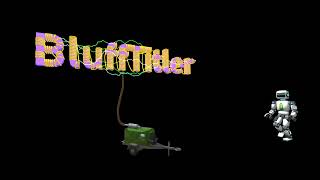
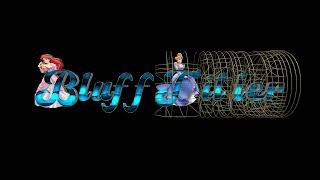
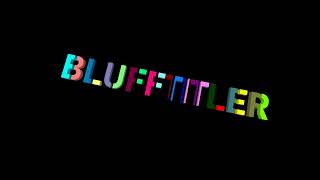
Prova PolkaDots + VJ


Very good Franco
Filip, 5 months ago



Happy to see your successful experiments with the new Polka dots effect!
Did you deliberately centre the dots? By playing around with the FX props you can also make all kinds of asymmetrical, organic/chaotic shapes!
In this screenshot I applied the effect to a picture layer using the ROUNDED CUBE style (1st dropdown below the disabled textbox).

michiel, 5 months ago
Ho prima fatto un cubo, dopo applicato l'effetto Pois, disponendosi al centro in automatico.
nonnogio, 5 months ago
Michiel, non riesco a replicare il tuo screenshot. i Pois rimangono piccoli e troppi.
nonnogio, 5 months ago
Risolto, scusami tutto ok
nonnogio, 5 months ago
Yes, sometimes you have to use the textbox to enter a value outside the slider range.
For the big cube I used:
FX DOTS SIZE: (60, 80, 0)
FX DOTS POSITION: (-7, 4, -15)
michiel, 5 months ago
Grazie Michiel dopo qualche tentativo ho capito cosa fare.
Grazie per i settaggi dei cubi.
Grazie a tutti
nonnogio, 5 months ago