Pioneer | 5 months ago | 2 comments | 309 views
What is the easiest way to produce 2 QR codes side by side please? Simple instructions members please. Cheers John


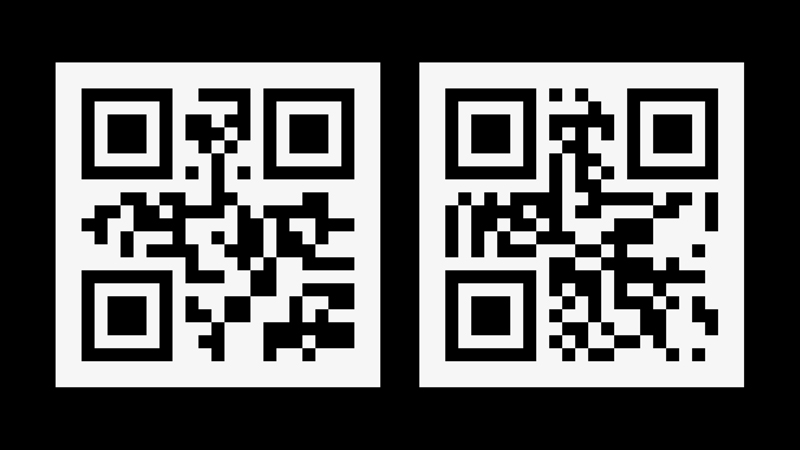
Placing 2 QR codes side by side will confuse your QR reader because it cannot determine which code to read. It will constantly jump between the 2.
If you really want to do it, here are the step by step instructions:
-Choose LAYER > ADD LAYER > ADD PICTURE LAYER...
-Choose MEDIA > CHANGE TEXTURE...
-Click on the QR... button
-Use your mouse to move the picture layer a bit to the left
-Choose LAYER > ADD LAYER > ADD PICTURE LAYER...
-Choose MEDIA > CHANGE TEXTURE...
-Click on the QR... button
-Use your mouse to move the picture layer a bit to the right

michiel, 5 months ago