Filip | 4 months ago | 8 comments | 8 likes | 486 views
Tintin, irina1208, liuyongcai and 5 others like this!
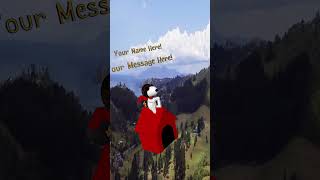
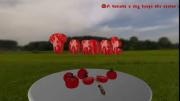
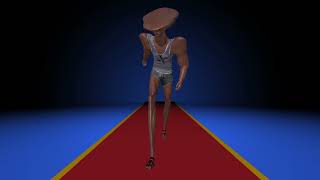
Nice show for Grandma


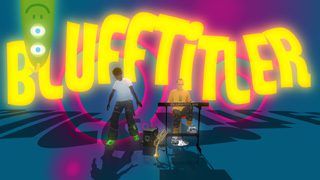
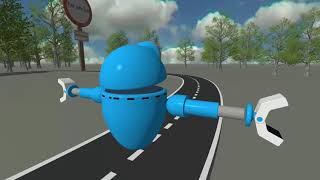
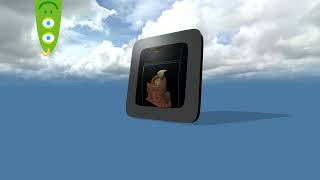
The Meshy models look very good 👏👏👏
Why not get the most out of them by showing them from more angles and distances? To do that you only have to animate the camera position and rotation. Easy. That's the power of a true 3D scene!

michiel, 4 months ago
I tried but I'm not good with a vitual camera
Filip, 4 months ago
Instead of animating the camera you can also jump from static shot to static shot.
Select NO ANIMATION in the physics dropdown of the camera layer:
outerspace-software.com...
Your show has many interesting details that can be zoomed in:
-the faces
-the hats
-the glasses
-the cloths
-the shoes
-the texts
-the balloons
-the speakers
Try varying the distance:
-full shot
-long shot
-American shot
-close-up
-extreme close-up
And the rotation:
-front
-top
-left
-back
Changing the camera position and rotation is as easy as changing the POSITION and ROTATION props of the camera layer. This was possible since version 1.0: outerspace-software.com...
It's funny that you do not have trouble with recently added complex technical things like AI generated animated 3D models 🤔
michiel, 4 months ago

Thnx all, Michiel thnx for the tips
Filip, 4 months ago

Tnx BambamD
Filip, 4 months ago