Filip | 3 years ago | 10 comments | 1.1K views
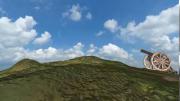
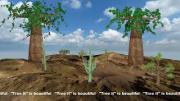
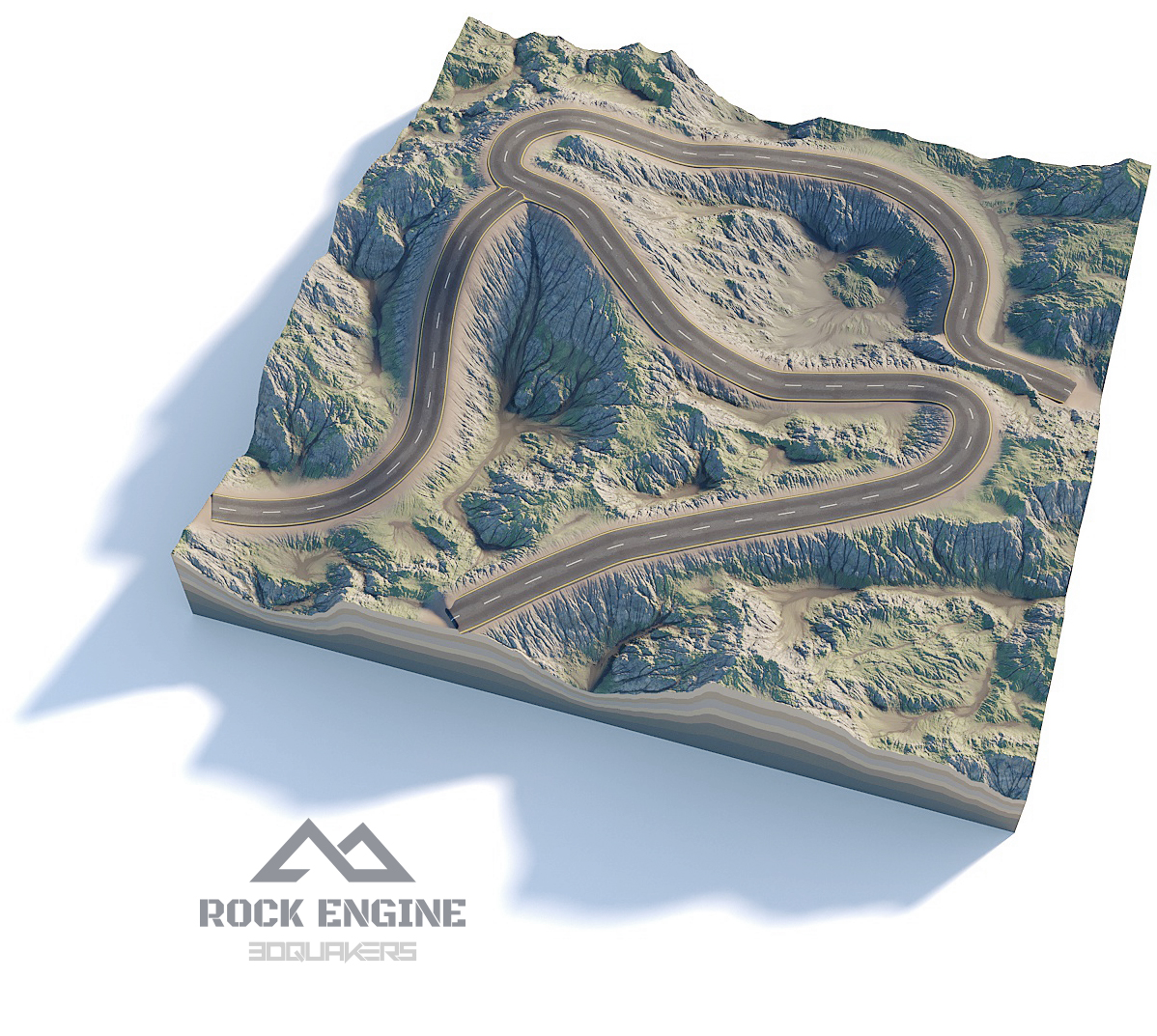
I wanted to create a landscape with a road that follows the lines of the landscape. I'm hoping that someone knows a better way. But it will do.
And a question: What are the best dimensions for the Colourmap and the Displacement map of the Landscape layer?
drive.google.com...


I think the only practical way is a landscape generator app that can also generate the roads for you.
A quick Google search gave me this:
3dquakers.com...
It generates roads like this:
3dquakers.com...

michiel, 3 years ago
Realize that you do not have to draw the road in the height map. Also your "Filter Forge Landform Plus large heightmap road.jpg" texture does not look like a valid height map to me. I'm seeing shadows and shading which should never be part of the height map.
Resolution is a compromise, there's no best resolution. Bigger looks better, but eats more memory, requires more disk space and loads slower.
michiel, 3 years ago
Thnx Michiel. I doing my best, and I learn from doing....but I don't (fully) understand what I'm doing
Filip, 3 years ago
You could create the ground texture and road inside a colormap and then distort it by putting the texture in a ground layer.

Franco Aversa, 3 years ago

Thnx Franco like your idea. Thnx Vincent.
Filip, 3 years ago

Sorry to come back to an old idea of "Bixelangalo 3D", but it seems to me that if it were feasible, it would be of great use for any road layout or other.
outerspace-software.com...

Alex-Raymond T., 3 years ago
Thnx Franco, LB and Alex-Raymond.
Filip, 3 years ago