Filip | a year ago | 6 comments | 8 likes | 795 views
Thor5ten, Ilja, Ulli and 5 others like this!
How to create a Sketch layer text:
Enter your text in the text input box (upper right) using the Single Line Font Renderer:
jvolker.github.io...
Choose a Single line font (I used EMS Capitol)
You can try the other settings (I used Smooth)
Save as Name.svg
Open Name.svg in the online tool Convertio:
convertio.co...
Convert the Name.svg to Name.eps
Open the Name.eps in Bixelangelo and save it as Handwritten text.
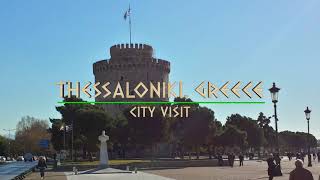
Now you can use it in BluffTitler and create an animate .GLB file



Grazie, molto interessante
nonnogio, a year ago
Super interesting links. Would be fun to make the text layer accept the single line SVG fonts!

michiel, a year ago
Michiel didn't dare to ask but its a lot better.
I ould love it.
Filip, a year ago
Great job well done, But if you could give us a simple video tutorial about these steps, that would be better.
Thanks Filip.
mohkamil, a year ago