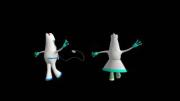
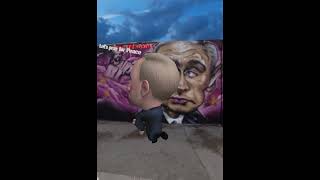
Filip | 11 months ago | 6 comments | 407 views
Michiel I have in the past made a walking font. This was a gif file. but I do't know how I did it.
How does it work?


Michiel. I think this is great use of BT, how does your *.bt alter from Philip's. I can use his in a static display but sadly not yours. Is it because it is an animated gif rather than individual *.png files? Cheers John

Pioneer, 10 months ago

Pioneer, the fact that the font animates does not mean that you can't export it as a picture. Simply choose FILE > EXPORT AS PICTURE... and the current frame is saved as a picture.
If you have trouble finding the right animation frame, press <Ctrl> P to pause the animation.

michiel, 10 months ago

Michiel I did as you suggested but the attached image is what I get in my Alphabix. I am obviously missing something or I am very thick. The file is a png but I converted it to jpg so I could upload it. Cheers John
Pioneer, 10 months ago

Animated colour fonts is still a hack and not supported by Alphabix: it expects a static PNG file.
The animation is lost when you open the Sevensheaven font in Alphabix, so I do not advise to do this.
But when you insist, here's how:
1) Open Alphabix
2) Choose the menu item FILE > OPEN...
3) Select SevensHeaven.bf
4) In the next dialog, select SevensHeaven.gif
BluffTitler can easily be fooled because it makes no difference between static pictures and animations, so I advise to only use this font in BluffTitler.
michiel, 10 months ago