
Filip | 7 months ago | 8 comments | 1 like | 298 views
bambamD likes this!
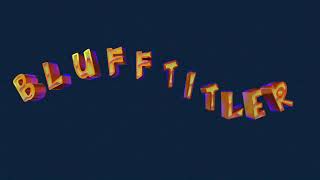
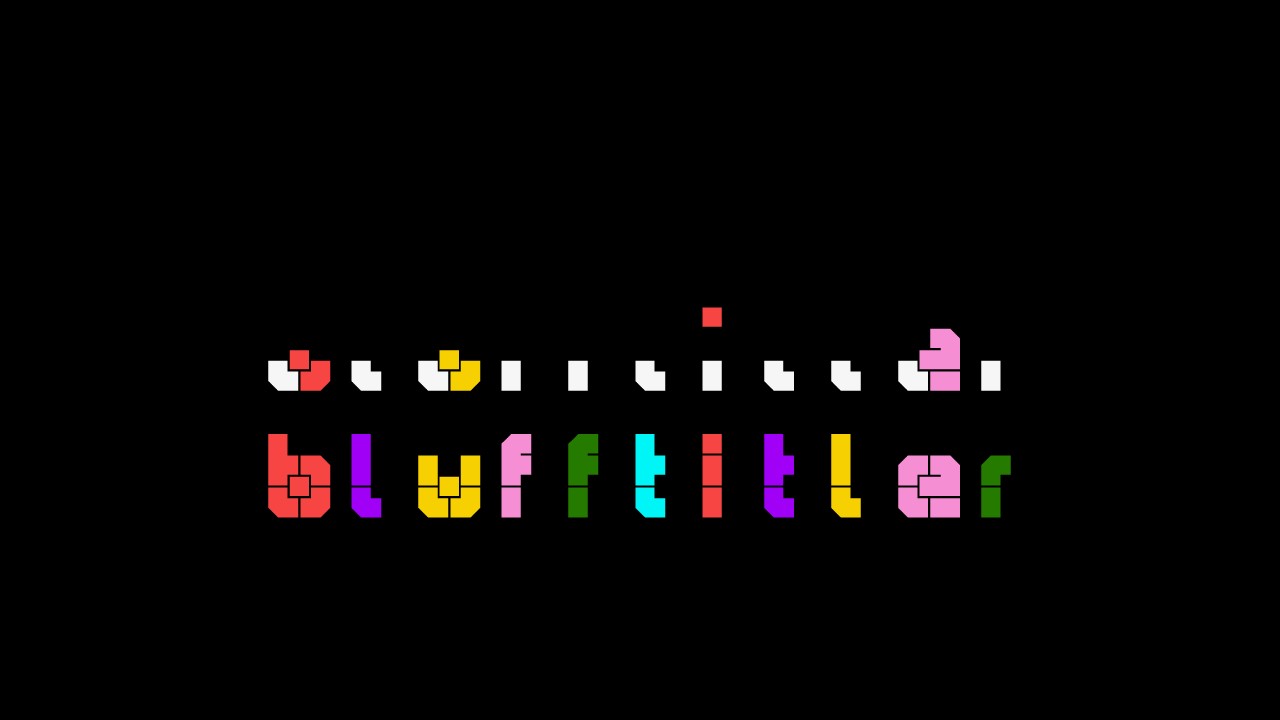
I tried to work with this Playime font:
behance.net...
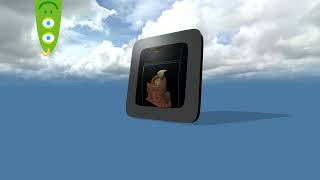
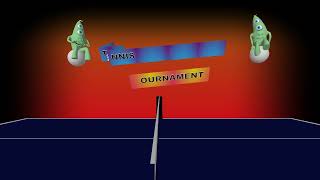
It looks great but the submodels are not aligning. On the top I used submodel 1,2,3,4
On the lower I uses submodel 0
Al layer had a spacing first slider set on 4.662. Were lies the problem?
Download media files (3.9 KB)


Thank you for the report.
I tried the Playtime Bold font and experienced no problems.
What do you mean with "the submodels are not aligning"?
When you add the .BT show file we will take a look at it.

michiel, 7 months ago
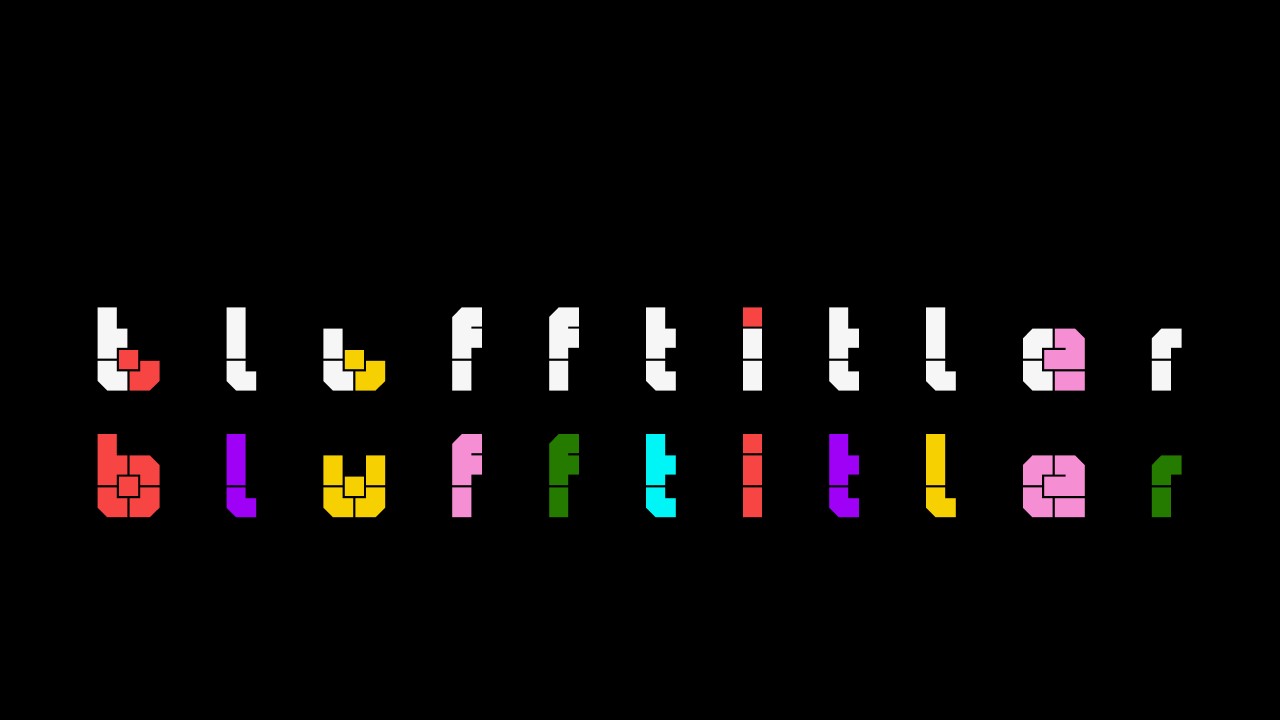
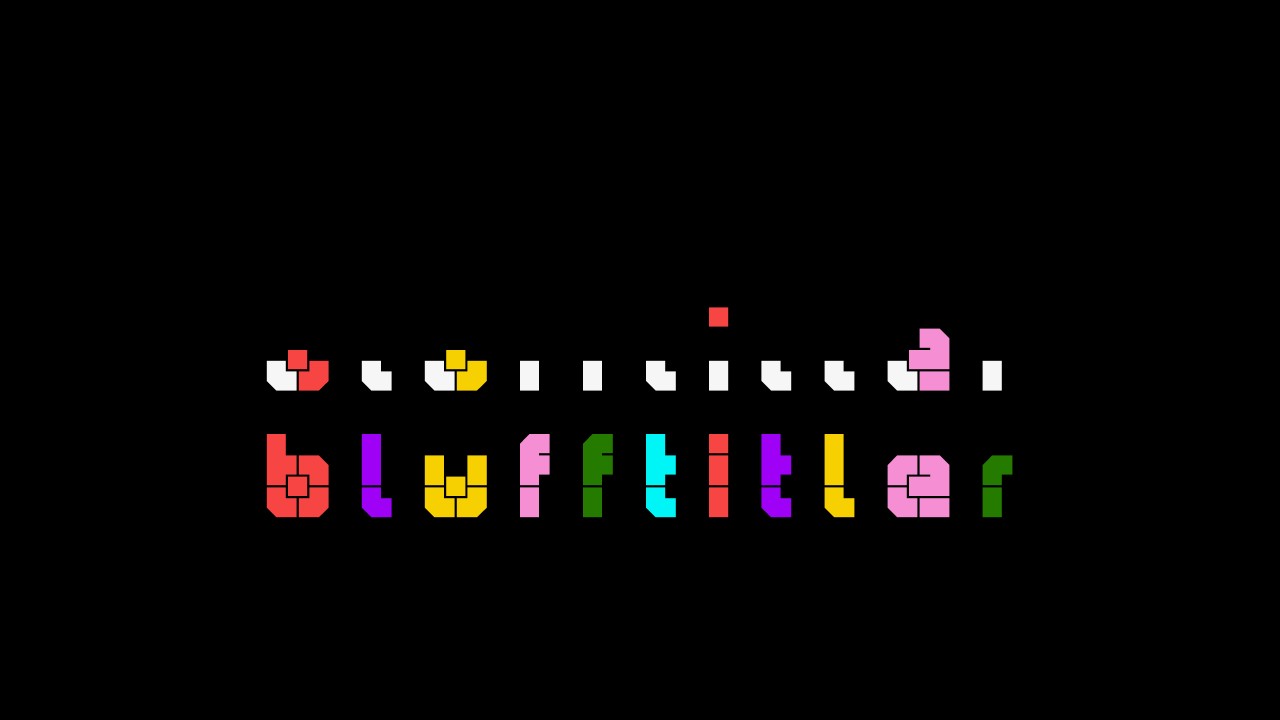
To match your screenshot, I have to do 2 things:
1) unmark the VISIBLE checkbox of layer 4
2) set the SPACING prop of all text layers to (1.95, 1, 1)
To adjust the spacing of all text layers at the same time, mark the ALL LAYERS checkbox when adjusting the SPACING prop of one of the text layers.
Is this reproducible?
michiel, 7 months ago
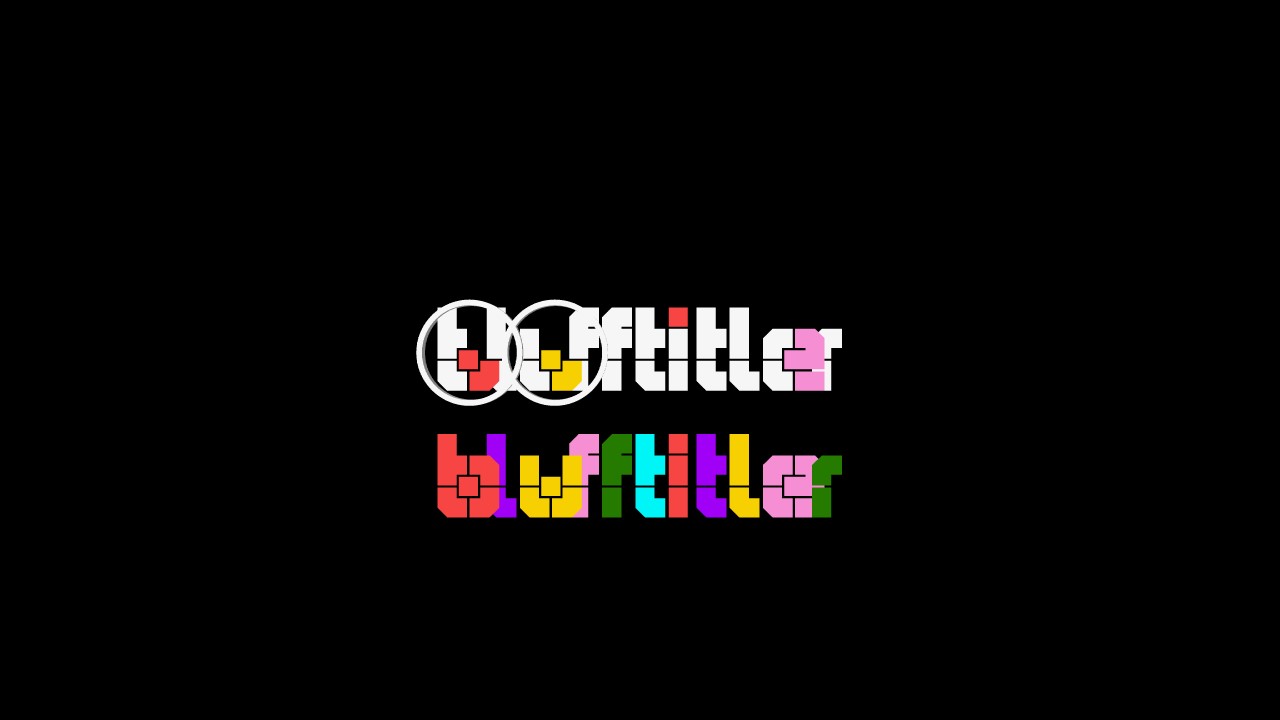
With the spacing 1.95 and all the submodel layer 1- 4 visible, I get this result. The cirkels give missing parts.
Is it possible that this font uses 5 submodels?
Filip, 7 months ago
Yes. Add another text layer and set its SUBMODEL prop to 5. The slider only goes to 4, so enter 5 in the textbox next to the slider.
Does this solve the SUBMODEL issue?
michiel, 7 months ago
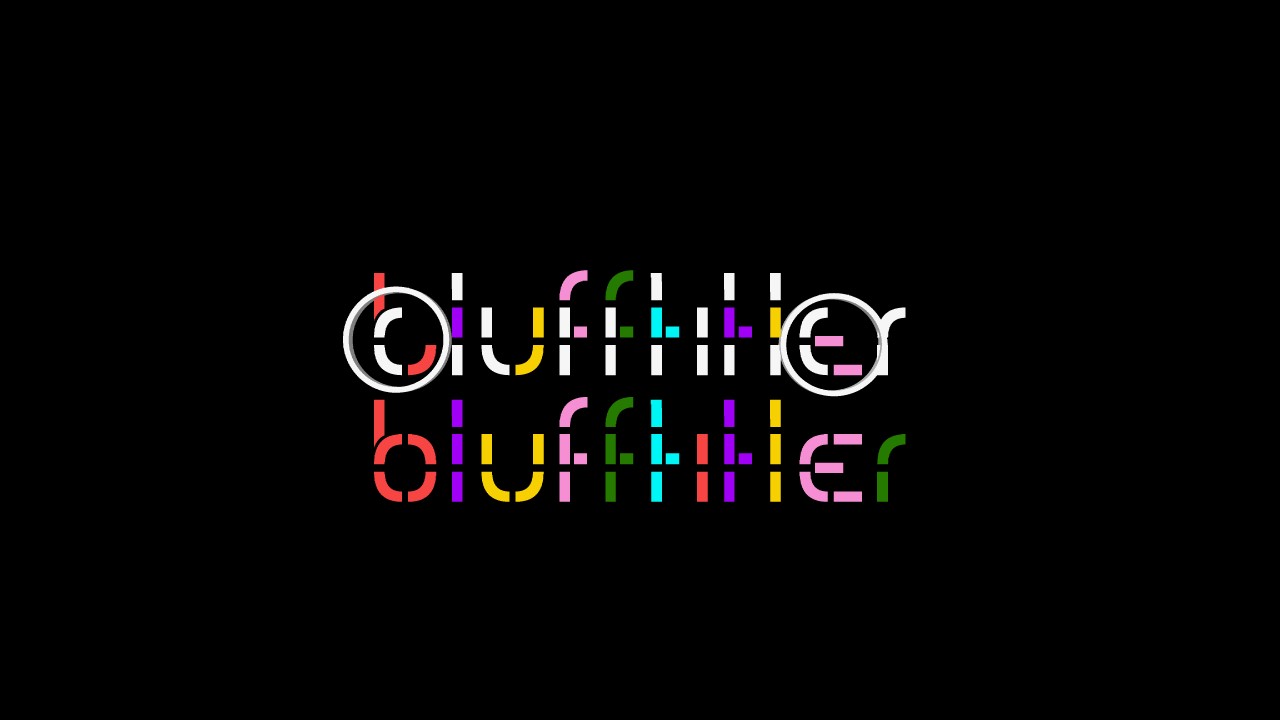
Michiel, that's the answer. It works.
Dt is het probleem met klanten die altijd iets anders dan bedoeld willen proberen🤣
Filip, 7 months ago
To find the maximum number of submodels, all the glyphs in the font/text have to be fully analysed which can take a long time. For this reason the slider has a fixed range.
michiel, 7 months ago