
 michiel | an hour ago | 2 comments | 3 likes | 49 views
Tian Lang, Tintin and vincent like this!
This an answer to this question:
outerspace-software.com...
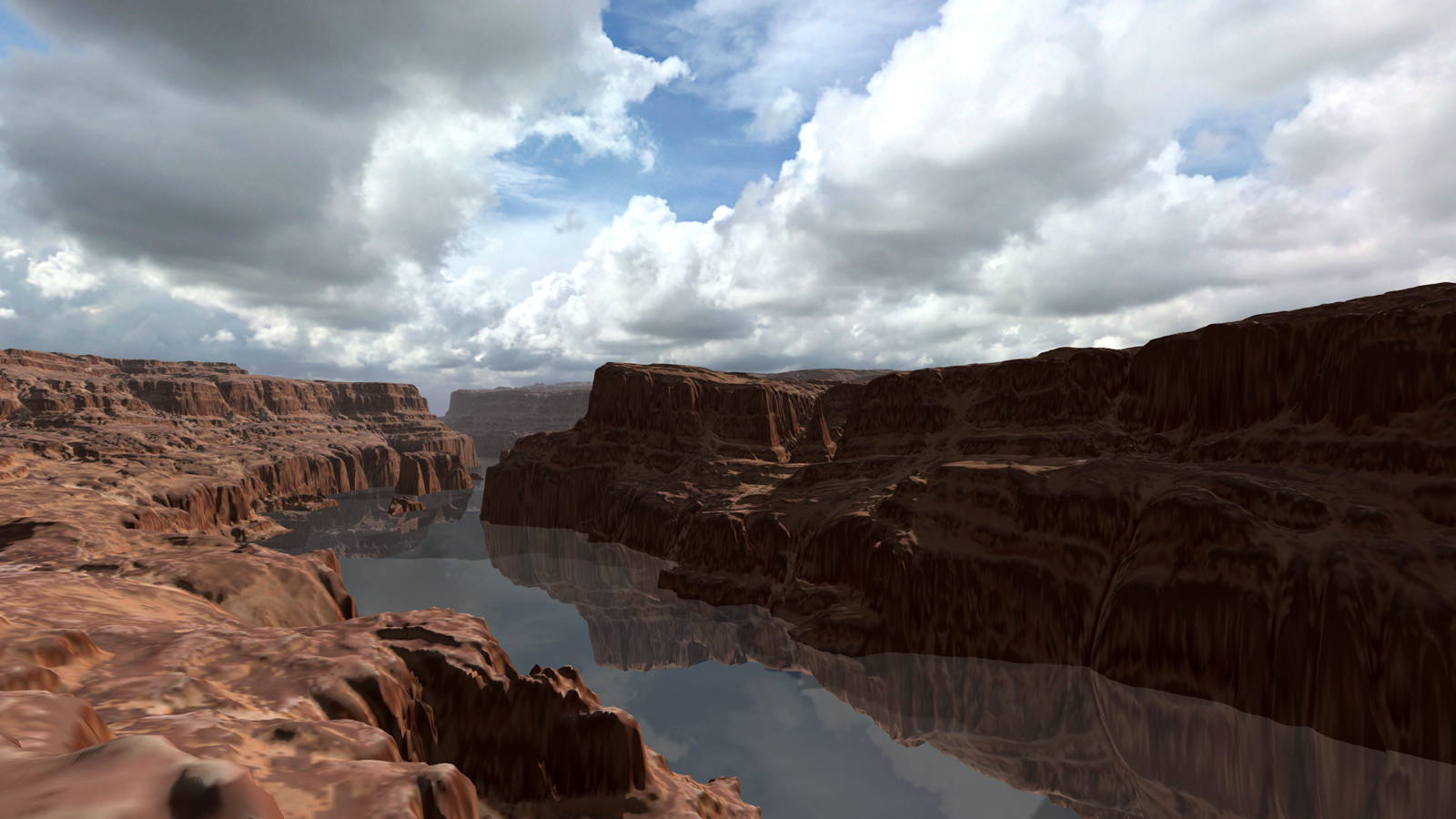
I've downloaded Canyon and River Height Map:
motionforgepictures.com...
It comes with 13 files, but in this screenshot I have used only 2:
-Canyon Diffuse.png
-Canyon Height Map.png
The other files must have their use, but I think this already looks pretty impressive. Great textures!
I have attached the show file to this article for you to play around with.
Download media files (1 KB)


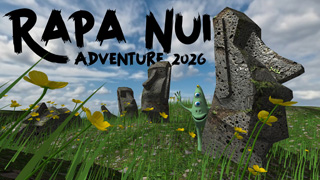
Big landscapes require big textures. Notice how the texture in the bottom left is not as sharp as we want. Also the height map shows artifacts due to the limited resolution.
This Rapa Nui show demonstrates how tiling the colour map can help keeping ground detail sharp with only a small texture. The height map is also tiled by using the TEXTURE REPEAT prop. So by being smart you can prevent having to use big textures!
michiel, 50 minutes ago
Comment to this article
More by michiel








About michiel
Michiel den Outer is the founder and lead coder of Outerspace Software. He lives in Rotterdam, the Netherlands.
If he isn't busy improving BluffTitler, he is playing the piano or rides the Dutch dikes on his bikes.
891 articles 4.8M views
Contact michiel by using the comment form on this page or at info@outerspace-software.com