Filip | 11 months ago | 8 comments | 5 likes | 496 views
DaDa, michiel, Tintin and 2 others like this!
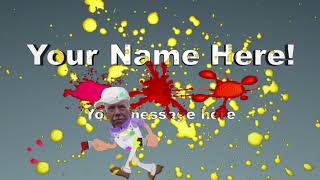
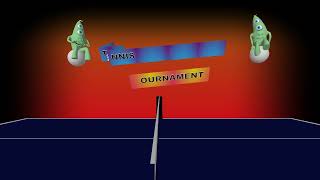
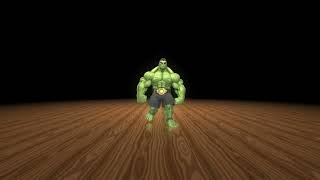
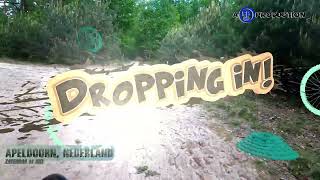
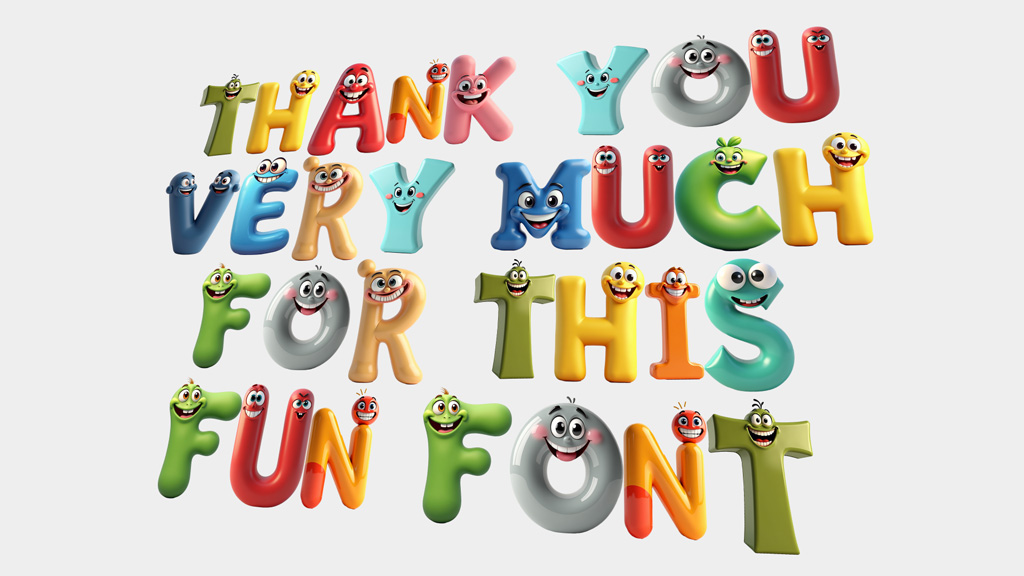
It's fun to create a fun font.
Font and models are free to use.
drive.google.com...
The font is created with Alphabix
outerspace-software.com...
The pictures are created with Artistly.AI
The video is created with BluffTitler
outerspace-software.com...


Thnx Vincent
Filip, 11 months ago
This is really great Filip, Would of been really nice if you could of included a read me file within the Zip file to show how you created this, for Morons like me who have not got a clue. Cheers John :-)

Pioneer, 11 months ago
Thx all.Pioneer Vincent made a tutorial for you. What do you want to know more?
Filip, 11 months ago
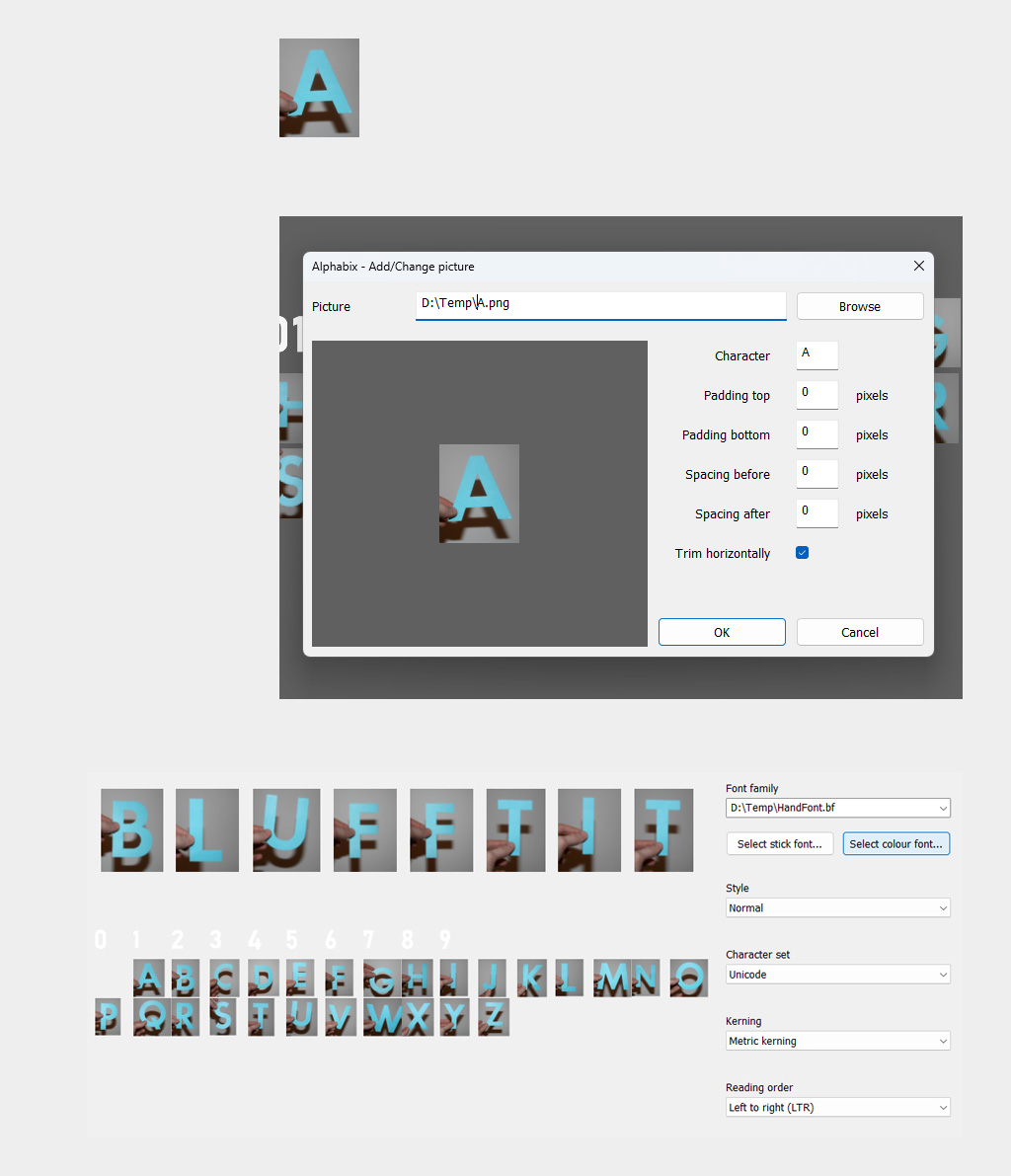
Pioneer, making a colour font involves 3 steps:
1) Making a picture for every glyph
This can be done in a paint app, you can take a photo or you can let AI do it for you.
2) Replacing font glyphs by pictures
In Alphabix, choose FILE > NEW... to make a new font.
After that choose EDIT > ADD/CHANGE PICTURE... In the screenshot, the letter A has been replaced by a picture.
Choose FILE > SAVE AS... to save your font
3) Load your colour font in BluffTitler
In BluffTitler, choose MEDIA > CHANGE FONT..., click on the SELECT COLOUR FONT... button and select your font.
I hope this makes it clear. Please do not hesitate to ask further questions.

michiel, 11 months ago
Yes thank you Michiel that and Vincent's video helped a lot. I was unsure where the pictures were created and stored to be used. As i have said before its an aged related problem. Cheers John
Pioneer, 11 months ago